AI Image Creation
Turn written prompts or simple keywords into original visual concepts across a wide range of styles.
Explore Artistly — an all-in-one AI creative toolkit to generate, edit, design and transform visual content.
Artistly is an AI creative platform with an extensive collection of tools for image generation, editing, product visuals, branding, storytelling, content creation and more.
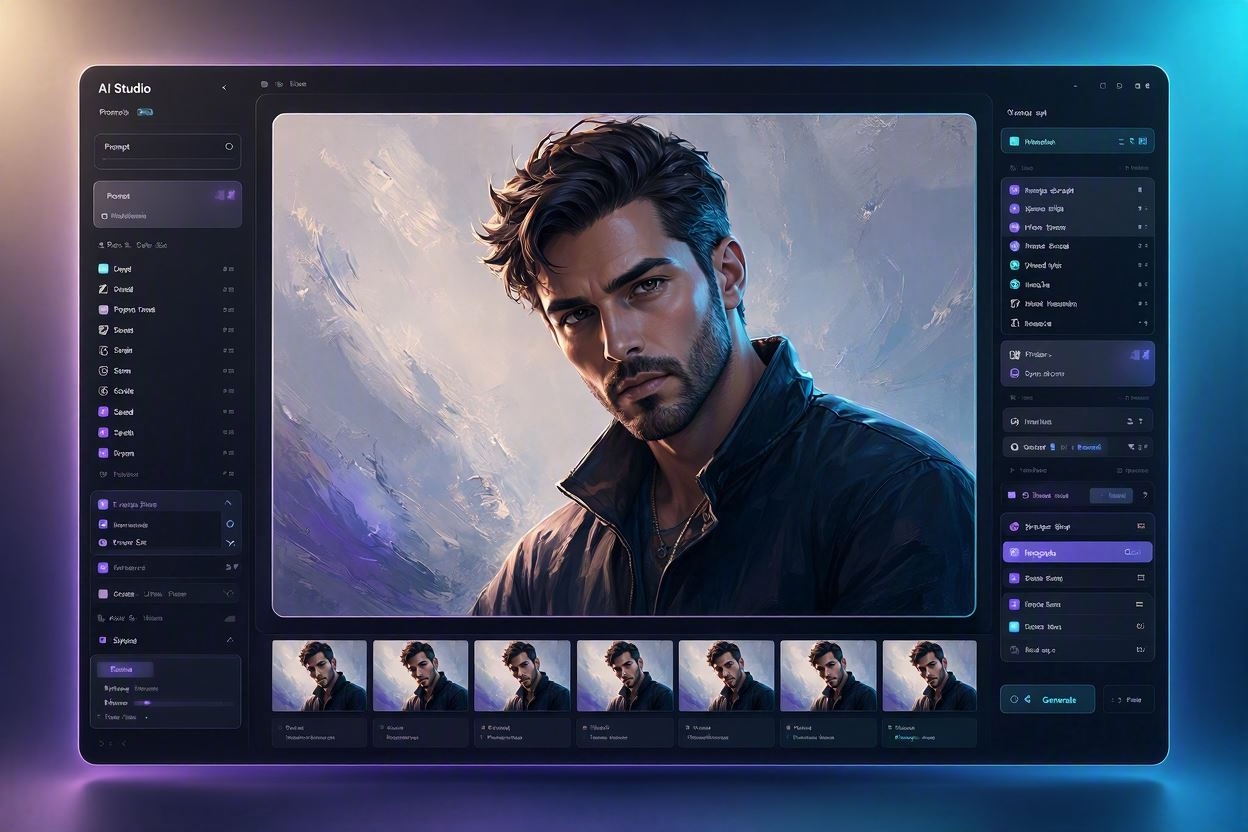
Rather than a single-purpose generator, Artistly groups several creative workflows into one place. Here is the short version before we go deeper.
Turn written prompts or simple keywords into original visual concepts across a wide range of styles.
Modify existing visuals with inpainting, background tools, expansion, upscaling and redesign workflows.
Build product mockups, studio-style photography concepts and model or influencer-style visuals.
Generate logo concepts, t-shirt graphics, patterns, illustrations and book-cover style artwork.
Both Artistly access options list commercial usage, so outputs can be explored for client and business projects.
A closer look at what the Artistly toolkit actually contains, and how the different parts fit together.
Artistly is best understood as a multi-tool creative suite rather than a single text-to-image box.
Most people meet AI image tools through a single feature: you type a sentence, you get a picture. That works for quick experimentation, but it rarely covers the full journey of turning an idea into something usable — a product shot, a brand asset, a storybook page, a social media graphic. Artistly approaches the problem differently. It bundles a set of connected creative workflows into one interface, so you can move between generating, editing, restyling and exporting without switching between five different subscriptions.
At its foundation, Artistly includes an AI image generator that turns prompts into visuals. Around that core, it adds a layer of editing and transformation tools: inpainting to change one part of an image, background removal and replacement, image expansion to reframe a composition, upscaling to increase resolution, and redesign tools that reinterpret an existing visual in a new style.
On top of that sit purpose-built workflows. Tools aimed at commerce — product mockups, AI product photography, product influencer visuals. Tools aimed at branding — logo concepts, t-shirt design, pattern generation. Tools aimed at storytelling — consistent characters, character creators and storybook creation. And a broad creative-content layer covering photo stylization, illustration, book covers, coloring pages, thumbnails and clipart.
The practical value is that these workflows share a common starting point. A single concept can be explored across several output types. You might generate a product image, mock it up on merchandise, restyle it for a social post, and expand it into an ad creative, all inside one Artistly ecosystem.
Worth knowing up front: results from AI generation tools vary by prompt, model version and workflow. Artistly is a creative aid, not a guarantee of a specific output quality. Always review the current official feature list and terms before purchasing.
The general flow inside Artistly is consistent across most of the tools, whether you are making a product shot, a character or a logo concept.
Everything begins with an input. That might be a detailed written prompt, a handful of keywords, or an existing image you want to transform. Artistly includes prompt assistance tools — including a prompt enhancer and a keyword-to-prompt converter — designed to help you turn a rough thought into something the generator can work with. If you already have an image, you can use it as the starting point for editing, restyling or expansion.
Once a first version exists, the editing layer takes over. You can inpaint specific areas to change details without regenerating the whole image, remove or replace the background, expand the canvas to add more scene, upscale for higher resolution, or redesign the visual in a different style. Purpose-built workflows add further control — keeping a character consistent across scenes, placing a product into a new environment, or applying a stylistic treatment to a photo.
When the visual looks right, you export it. Both Artistly plans list HD downloads without watermarks, and the listed features include an image upscaler for increasing output resolution. From there you can iterate — feed the result back in for another pass, generate variations, or move it into a different workflow entirely. For commercial projects, it is worth reviewing the current product terms and applicable laws before you publish.
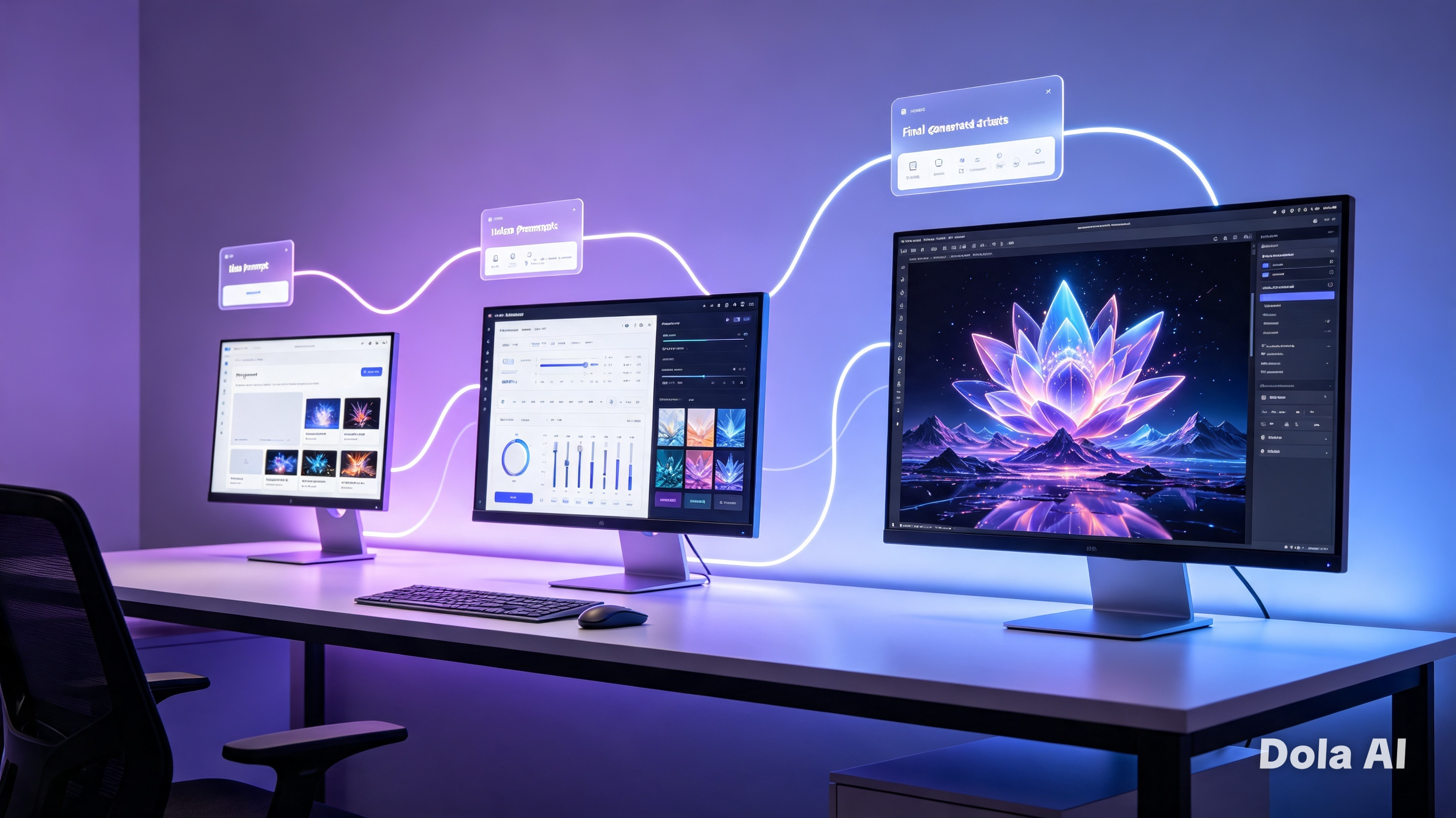
Below is a structured walkthrough of the tool categories listed for Artistly. Availability of individual tools can differ between the two plans — check the comparison table further down.
The core engine. Produces original visuals from a written description, forming the starting point for most other workflows.
Converts a text prompt directly into a rendered image. Useful when you already know roughly what you want to see.
Rewrites a short or vague prompt into something more descriptive, which can help produce more considered results.
Lets you start from a few keywords rather than a full sentence and expands them into a usable generation prompt.
Generates several variations from a single prompt so you can compare directions. The Premium plan lists four images per prompt.
Select a region of an image and change only that area, leaving the rest of the composition untouched.
Isolates the subject by removing the existing background — helpful for listings, mockups and compositing.
Swaps a removed background for a new environment, such as a studio setting or an outdoor scene.
Extends the canvas beyond the original frame, adding scene around the edges to reframe a composition.
Increases the resolution of an existing image so it holds up better in print or on larger screens.
Reinterprets an existing image in a different visual style while keeping the underlying subject recognisable.
Applies targeted adjustments to people within an image — Premium lists an advanced human inpainting workflow.
Allows adjustments to text elements inside a visual. The Premium plan lists a perfect-text-in-AI-images tool.
Places a design or product onto a realistic surface or object to preview how it might look in context.
Generates studio-style product imagery with controlled lighting and backgrounds, without a physical shoot.
Creates lifestyle-style scenes where a product appears alongside a model or presenter figure.
Produces model figures for apparel and accessory presentation, useful for previewing how items wear.
Generates logo concepts and marks from a description. Best treated as a starting point for a designer's refinement.
Explores visual directions for a brand — colour, mood and imagery — before committing to a final identity.
Creates print-ready graphic concepts for apparel. Both plans list a t-shirt design generator.
Produces repeating seamless patterns for textiles, packaging, backgrounds and digital products.
Keeps a character's appearance stable across multiple images — essential for sequential storytelling.
Maintains more than one character consistently, so scenes with several figures stay coherent.
Builds a character from a description, giving you a reusable reference for later scenes.
Places an established character into new environments and situations while preserving their look.
Combines characters, scenes and layout into storybook-style output. Premium lists script-to-storybook and multilingual tools.
Applies a stylistic treatment to an existing photograph, shifting it toward a chosen visual direction.
Generates illustration-style artwork rather than photographic output, suited to editorial and children's content.
Produces cover concepts for books and ebooks. Premium lists a dedicated AI book cover tool.
Creates line-art suitable for coloring books. Both plans list a coloring book maker.
Generates eye-catching thumbnail concepts for video content. Premium lists a dedicated video thumbnail maker.
Produces simple graphic elements for documents, presentations and designs. Premium lists a bulk clipart designer.
The same Artistly toolkit can be approached from five different angles depending on what you are trying to produce.
Start with a blank canvas and a description. This is the entry point for most users: the image generator, prompt tools and multi-variation output let you explore a concept quickly before committing to a direction.
If you already have an image, the editing layer is where Artistly earns its place. Inpainting, background removal and replacement, expansion, upscaling and redesign cover the most common adjustments.
For shop owners and product sellers, Artistly's commerce workflows cover the visuals that usually require a photographer, a studio and a model.
For authors, illustrators and low-content publishers, Artistly's storytelling tools address the hardest part of sequential work: consistency.
The marketing angle is about volume and speed of concepting. Thumbnails, social graphics, ad creatives, logo concepts and brand imagery can all be produced and iterated on quickly.
Short perspectives from users working in different creative and commercial contexts. These are illustrative examples of how the toolkit fits into a working process.
Artistly has become my go-to for quick concept work. Being able to generate several directions in one session has genuinely changed how I present ideas to clients — instead of one risky concept, I can show three or four and let them react.
The product mockup tools save me the cost of a studio shoot for early listing images. I can iterate on background and framing without booking a photographer for every variation, then refine the best ones properly.
The consistent character feature is what sold me on the Premium plan. Keeping the same character across pages was the biggest obstacle in my workflow, and this solved it. I still review and refine everything, but the first draft is now something I can actually work with.
These reviews are illustrative examples representing how Artistly's tools can be used in practice. Individual results vary by prompt, workflow and experience level. They are not paid endorsements and are not connected to any verified purchase program.
Here is a grounded look at what people typically produce with Artistly, and what each output is actually useful for.
Post graphics, story visuals and campaign imagery. Useful when you need a steady stream of visual content without a full production cycle for each post.
Listing visuals, lifestyle scenes and category banners. Consistency across a catalogue matters more than any single hero image.
Previewing a design on a physical object before committing to print, manufacturing or a listing photo.
Concepting ad creatives quickly so you can test multiple visual directions rather than committing to one idea.
Thumbnail concepts that need to read clearly at small sizes. Artistly Premium lists a dedicated video thumbnail maker.
Hero images, section backgrounds, blog headers and illustration accents for a consistent site look.
Logo concepts, mood directions and supporting imagery for a new or refreshed brand identity.
Apparel graphics for print-on-demand or personal projects. Both Artistly plans list a t-shirt design generator.
Standalone creative pieces in photographic, illustrative or graphic styles depending on your prompt.
Cover concepts for ebooks and print titles. Artistly Premium lists a dedicated AI book cover tool.
Sequential illustrated content with consistent characters — the hardest part of children's book production.
Line-art output for coloring books and printable activity products. Both plans list a coloring book maker.
Reusable character designs that can be carried into new scenes, products or storylines.
Supporting graphics, icons and illustrative elements for decks, documents and internal materials.
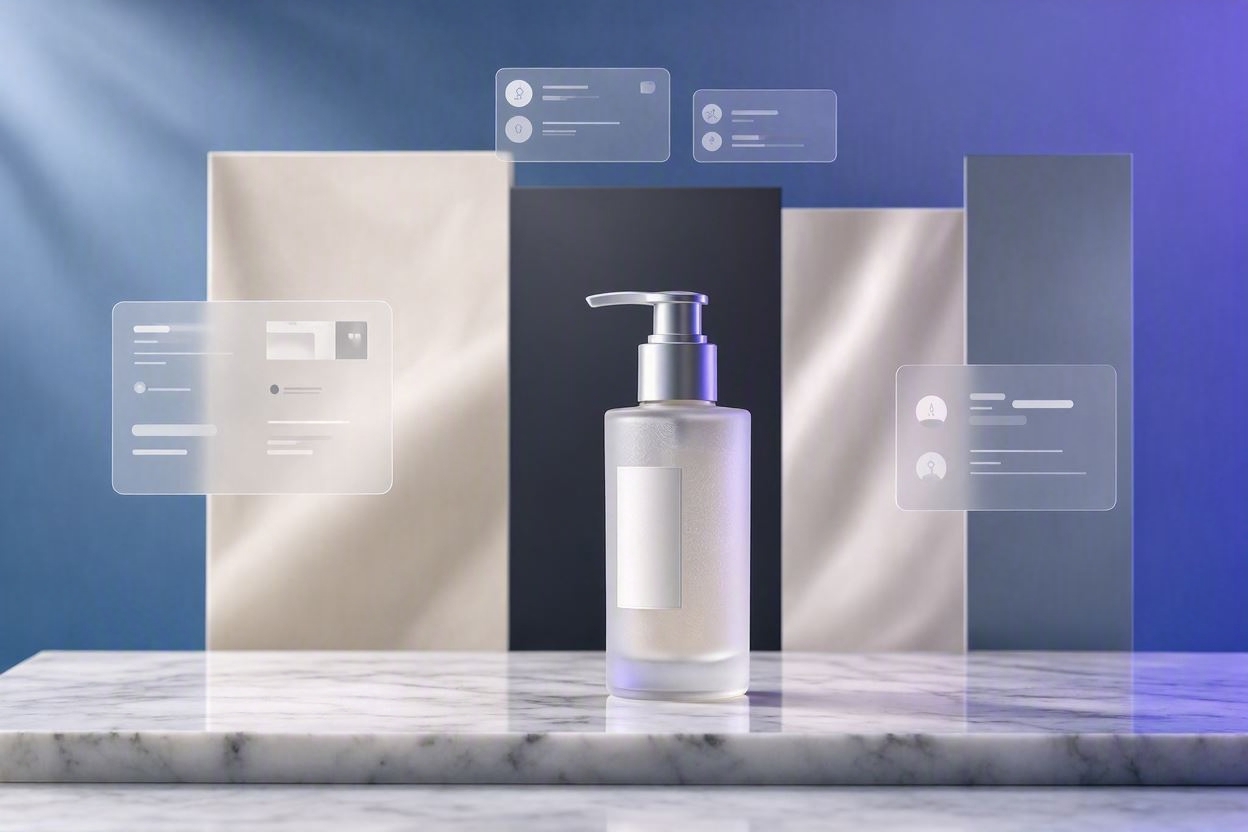
For online sellers and small brands, the practical bottleneck is rarely the idea — it is the cost and time involved in producing the imagery that idea needs. A product that only exists in a mockup stage still needs listing photos, lifestyle shots and ad creatives to test the market.
Artistly's commerce-focused workflows can help with that early stage. Product mockups can be useful for previewing how a design reads on a physical object before you commit to print. AI product photography can support the creation of studio-style scenes with controlled backgrounds. Virtual model and product influencer tools can help produce lifestyle-style presentation for apparel and accessories, where a plain flat-lay would communicate less.
Beyond the product itself, Artistly can support the surrounding marketing assets: advertising creatives for testing different visual angles, promotional graphics for seasonal campaigns, branding concepts for a new range, and social media imagery for ongoing content.
Realistic expectations: AI-generated visuals can support a commercial workflow, but they do not guarantee sales, conversion improvements or revenue. Results depend on your product, market, pricing and execution. Treat Artistly as a production aid, not an outcome.
If you work alone or with a small team, the value here is usually in the concepting phase rather than the final deliverable.
Freelance designers and content creators tend to spend a disproportionate amount of time on the earliest stage of a project: producing enough visual directions to have a meaningful conversation with a client. Generating several concepts quickly changes that dynamic. Instead of presenting one idea and hoping, you can present three or four directions and let the client react to something concrete.
For video creators, the thumbnail workflow is a common entry point. Thumbnails need to communicate instantly at small sizes, and generating multiple compositions from the same core idea makes it easier to test which framing reads best. Artistly Premium lists a dedicated video thumbnail maker alongside the general image tools.
For social media managers, the value is volume with consistency. A recurring visual style across posts matters more than any individual image. The pattern generator, stylizer and redesign tools can help keep a feed visually coherent while still producing enough variety to avoid repetition.
For freelancers building digital products, the picture is broader. Coloring pages, clipart sets, t-shirt graphics, patterns and book covers can all be produced as standalone products or as part of a larger package.
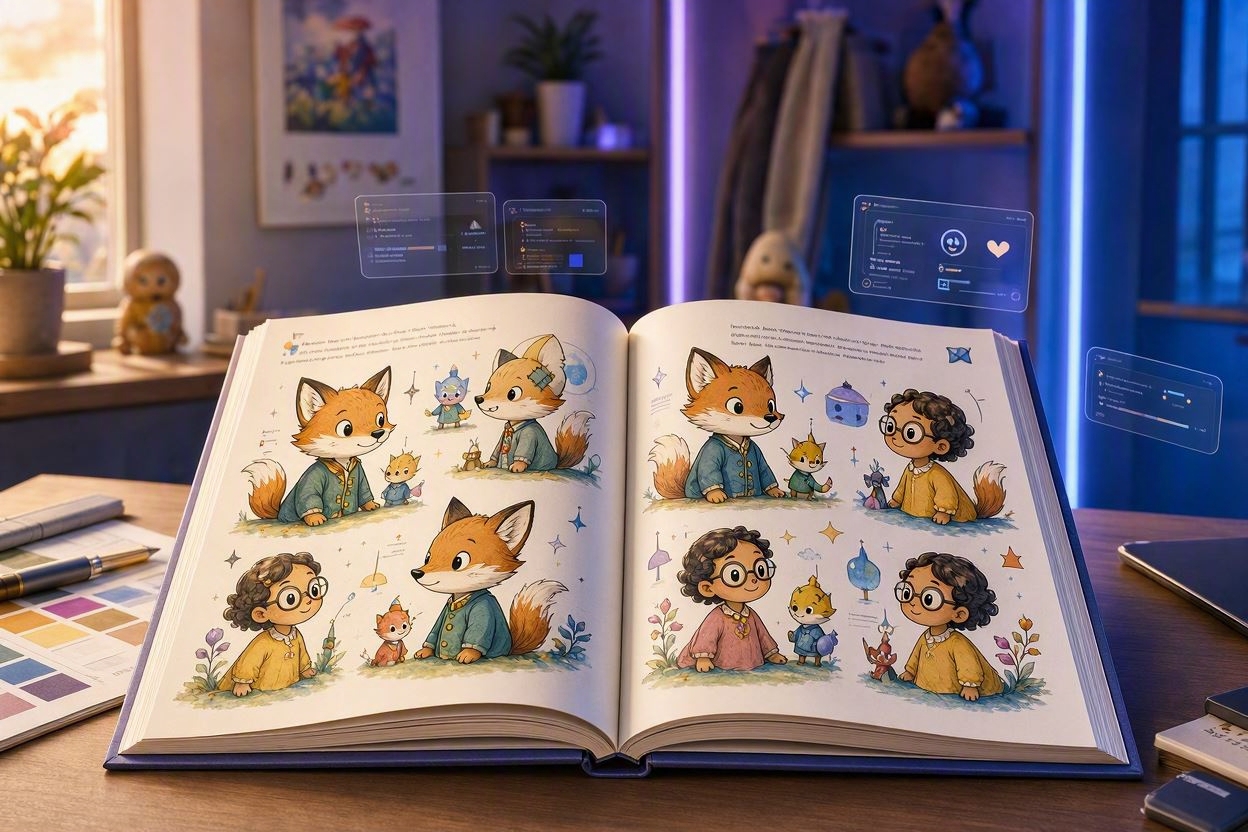
Sequential illustrated content has always been the hardest thing to produce with AI image tools. A single beautiful image is straightforward; the same character appearing consistently across twenty pages is not. That is the specific problem Artistly's character and storytelling tools are built around.
The consistency tools let you establish a character once and then place them into new scenes while preserving their appearance. From there, the storybook workflows combine characters, scenes and layout into a sequential format. Artistly Premium lists a broader set here: script-to-storybook conversion, multilingual storybook support, personalized storybook creation, a talking storybook creator and an Amazon KDP paperback book creator.
Adjacent to storytelling are the print-oriented tools. Coloring page generation covers activity books and printables. Book cover tools cover the packaging side. Pattern generation covers repeating designs for textiles and print products.
Publishing note: Amazon KDP and other publishing platforms have their own content policies, disclosure requirements and review processes. Using a tool described as a "KDP book creator" does not guarantee approval, acceptance or sales on any platform.
Both Artistly access options list commercial usage. Here is what that generally means in practice — and where you still need to do your own checks.
Both the $49 Commercial Plan and the $147 Premium Plan list commercial usage in their feature sets, with Artistly Premium specifying an enterprise commercial license. In practical terms, that is what allows you to use generated visuals in work that generates revenue or supports a business — rather than being limited to personal projects.
Typical commercial applications include client projects, marketing graphics used in campaigns, product visuals for listings and advertising, digital products sold or distributed, merchandise concepts, social media content for brand accounts, and branding assets used in an identity system.
What a commercial license does not do is resolve every downstream question. Copyright treatment of AI-generated material varies significantly between jurisdictions. In some countries, purely machine-generated output may not attract copyright protection in the same way a human-authored work does.
There is also the question of third-party rights. Generating something that closely resembles a protected character, logo, celebrity likeness or trademarked design can create problems regardless of what the tool's license says.
Always review the current Artistly product terms and applicable copyright/trademark laws before commercial use. Licensing terms can change, and the terms that apply are the ones in effect at the time of your purchase and use.
Both Artistly plans are listed as one-time payments rather than recurring subscriptions. Here is what each one currently includes.
The core Artistly creative toolkit with commercial usage — suited to straightforward generation, editing and product workflows.
Listed as a one-time payment. No monthly subscription is listed for this Artistly plan.
Some links on this website may be affiliate links. Feature availability, licensing and guarantee terms are set by Artistly and can change — verify the current official terms before purchasing.
Everything in the Artistly Commercial Plan, plus additional premium creative tools and advanced workflows.
Listed as a one-time payment. No monthly subscription is listed for this Artistly plan.
Premium Artistly tools are listed as part of the higher-tier plan. Individual tool availability is set by Artistly — confirm the current feature list on the official page before purchasing.
A direct feature-by-feature comparison of the two listed Artistly access options.
| Feature | $49 Commercial | $147 Premium |
|---|---|---|
| One-time payment | ✓ | ✓ |
| Unlimited designs | ✓ | ✓ |
| HD images | ✓ | ✓ |
| Commercial use | ✓ | ✓ |
| Image generation | ✓ | ✓ |
| Image editing | ✓ | ✓ |
| Background tools | ✓ | ✓ |
| Upscaling | ✓ | ✓ |
| Product mockups | ✓ | ✓ |
| Style tools | ✓ | ✓ |
| Consistent characters | — | ✓ |
| Face in AI images | — | ✓ |
| Book tools | — | ✓ |
| Storybook tools | — | ✓ |
| Character tools | — | ✓ |
| Fashion tools | — | ✓ |
| Pattern generator | — | ✓ |
| Bulk clipart | — | ✓ |
| Advanced premium tools | — | ✓ |
| Faster generation | — | ✓ |
| 4 images per prompt | — | ✓ |
| Enterprise commercial license | — | ✓ |
Table reflects the Artistly feature sets currently listed for each plan. Availability and naming are controlled by Artistly and may change.
This is an informational comparison rather than a recommendation — the right option depends entirely on which workflows you actually need.
If you are unsure, the honest approach is to list the specific Artistly tools you need first, then check which plan contains them. The comparison table above is the fastest way to do that.
A condensed view of the current Artistly offer before the FAQ.
One-time payment. Core generation and editing toolkit, HD downloads without watermarks, commercial license, free product updates and a 30-day money-back guarantee subject to current terms.
One-time payment. Everything in the Commercial Plan plus consistent characters, face-in-AI-images, book and storybook tools, pattern generator, bulk clipart, fashion tools, four images per prompt, faster generation and an enterprise commercial license.
Current listed Artistly prices: $49 one-time (Commercial Plan) and $147 one-time (Premium Plan). No monthly subscription is listed for these Artistly plans on the referenced offer page. Any coupon or promotional pricing would need to be verified directly on the official Artistly page at the time of purchase — this guide does not display countdown timers or expiring offers.
Answers to the questions people ask most before deciding between the two Artistly plans.
Artistly is a multi-tool AI creative suite rather than a single image generator. It combines image generation, image editing, product and ecommerce visual workflows, branding tools, character and storytelling tools, and general creative content tools inside one interface.
Common outputs include social media graphics, ecommerce product images, product mockups, advertising creatives, video thumbnails, website graphics, branding assets, t-shirt designs, digital artwork, book covers, storybook illustrations, coloring pages, character concepts and presentation visuals.
No formal design background is required to use the tools — the prompt-based workflow is designed to be approachable. That said, experience helps. Understanding composition, colour and lighting generally produces better results.
Yes — the $49 Artistly Commercial Plan lists a Commercial License among its features, alongside HD downloads and no watermarks. The $147 Artistly Premium Plan additionally lists an Enterprise Commercial License.
The Artistly Premium plan lists everything in the Commercial plan plus consistent characters, your face in AI images, AI book covers, perfect text in AI images, AI human inpainting, pet portraits, AI video thumbnail maker, AI character creator, bulk clipart designer, photo-to-coloring-pages, Amazon KDP paperback book creator, seamless pattern generator, talking storybook creator, script-to-storybook maker, multilingual and personalized storybook makers, AI product influencer, custom character scene creator, AI fashion designer, AI style illustrator, faster generation, four images per prompt, unlimited usage, enterprise commercial license and no hidden costs.
The core difference is scope of tools, not price structure. Both are one-time payments and both list unlimited designs, HD images, commercial use and no monthly fees. The $147 Artistly Premium plan adds the advanced creative workflows.
Both Artistly plans are currently listed as one-time payments, and "No Monthly Fees" appears in the listed features. No recurring subscription is listed for either Artistly plan on the referenced offer page.
Yes. Both Artistly plans list product mockup capability, with the Premium plan listing a dedicated AI Product Mockup Creator alongside AI product photography and product influencer tools.
Storybook creation is listed as an Artistly Premium plan capability. It includes script-to-storybook conversion, multilingual storybook support, personalized storybook creation and a talking storybook creator.
Yes. Both Artistly plans list a Coloring Book Maker. The Premium plan additionally lists a Photo-to-Coloring-Pages Creator, which converts an existing photograph into line-art suitable for coloring.
Both Artistly plans list commercial usage in their features. In practice that means outputs can generally be used in client work, marketing materials, product visuals, digital products, merchandise and brand assets. However, you should always review the current product terms and applicable copyright and trademark laws before commercial use.
Not automatically, and not uniformly. Copyright treatment of AI-generated material varies by jurisdiction, and in some countries purely machine-generated output may not attract the same protection as a human-authored work. If copyright protection matters for your project, seek qualified legal advice for your jurisdiction.
Both Artistly plans list a 30-Day Money-Back Guarantee, subject to current terms. The specific conditions — what qualifies, how to request it, and any exclusions — are set by Artistly.
The $49 Artistly plan lists "Unlimited Designs" and the $147 plan lists "Unlimited Usage." In practice, platforms of this type usually apply fair-use provisions to prevent abuse. Check the current official Artistly terms for the specific limits that apply.
Yes. Software products frequently add, rename or retire features, and licensing terms can be updated. Before purchasing — and before relying on a specific tool for a commercial project — confirm the current feature set on the official Artistly page.
Always verify on the official Artistly product page. This page is an independent informational guide and may not reflect changes made after publication.
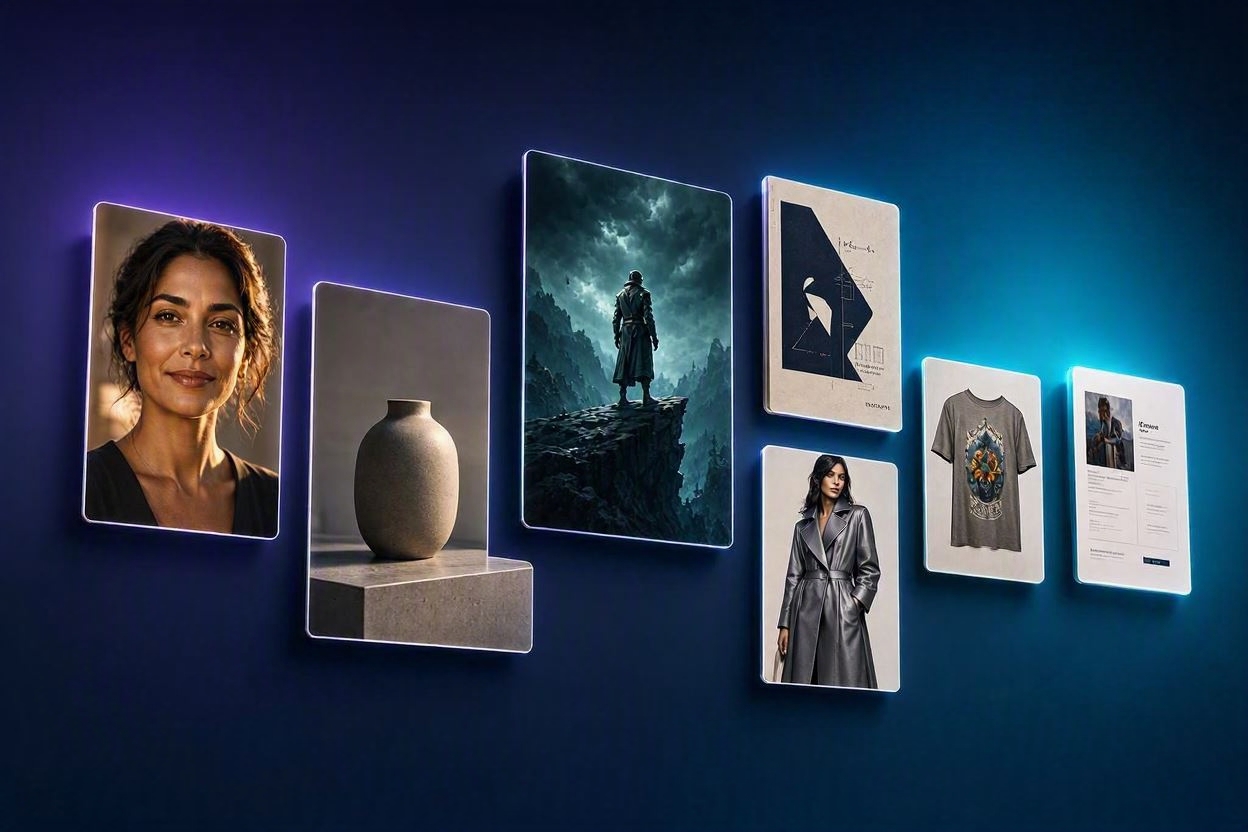
From image generation and editing to product visuals, branding, storytelling and advanced creative workflows, explore the tools available across the two Artistly access options.